WENCANG IMAGE / FEATURES
Find the right tool for the job
Explore drawing, portrait and batch image workflows. Each page starts with the task you want to finish.
Download for WindowsBRUSHES
Drawing & coloring
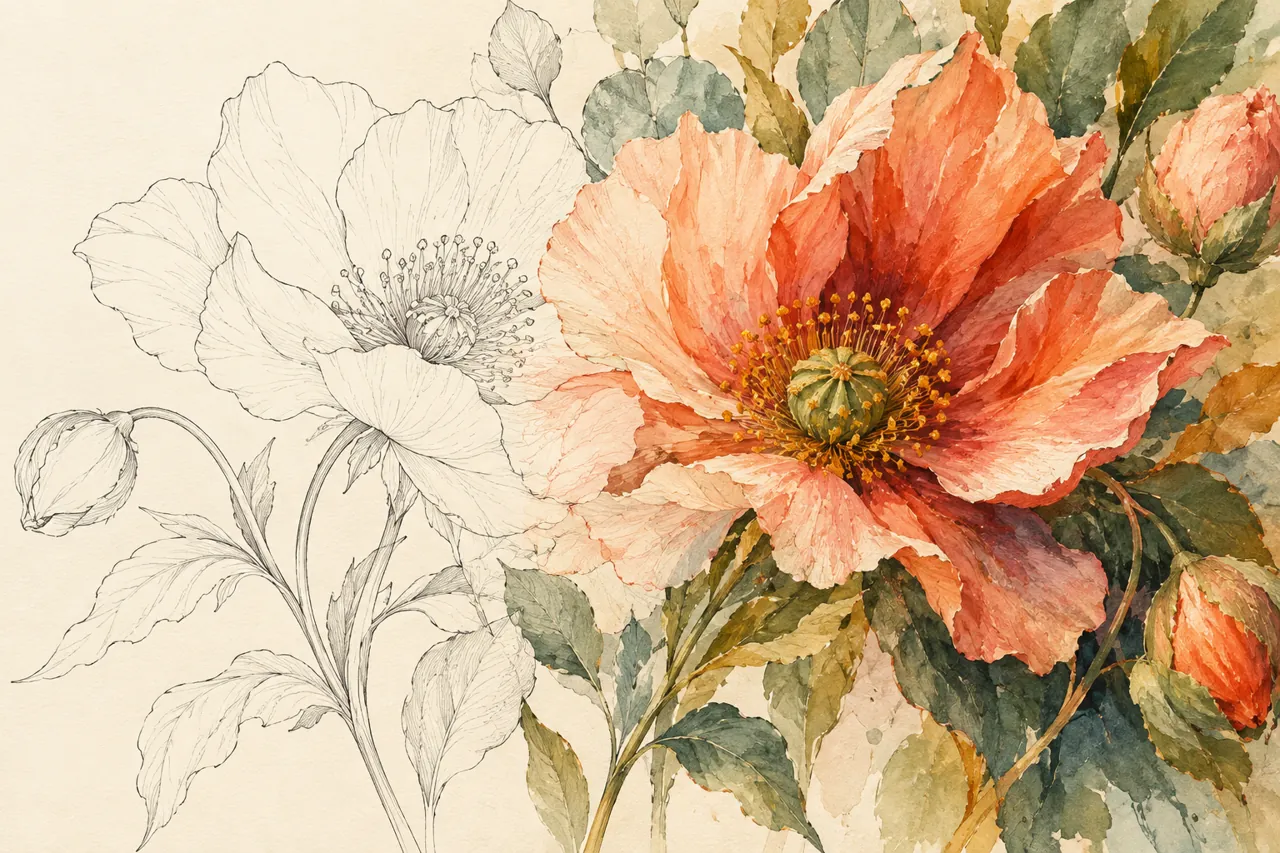
Digital painting brushes for Windows
Sketch, ink, shade and paint in one layered Windows workspace. Choose a brush for the mark you want to make, then keep every experiment editable.
Explore workflows ↗Area Paint and Stack Paint brushes
Need to fill an irregular shape without tracing a perfectly closed outline? Draw the region and release to color it. Choose how overlapping strokes should behave.
Explore workflows ↗Color line art on Windows
Turn a scanned sketch or clean line drawing into a colored illustration. Prepare the lines, choose a fill method and refine the edges on editable layers.
PORTRAIT
Portrait & photo
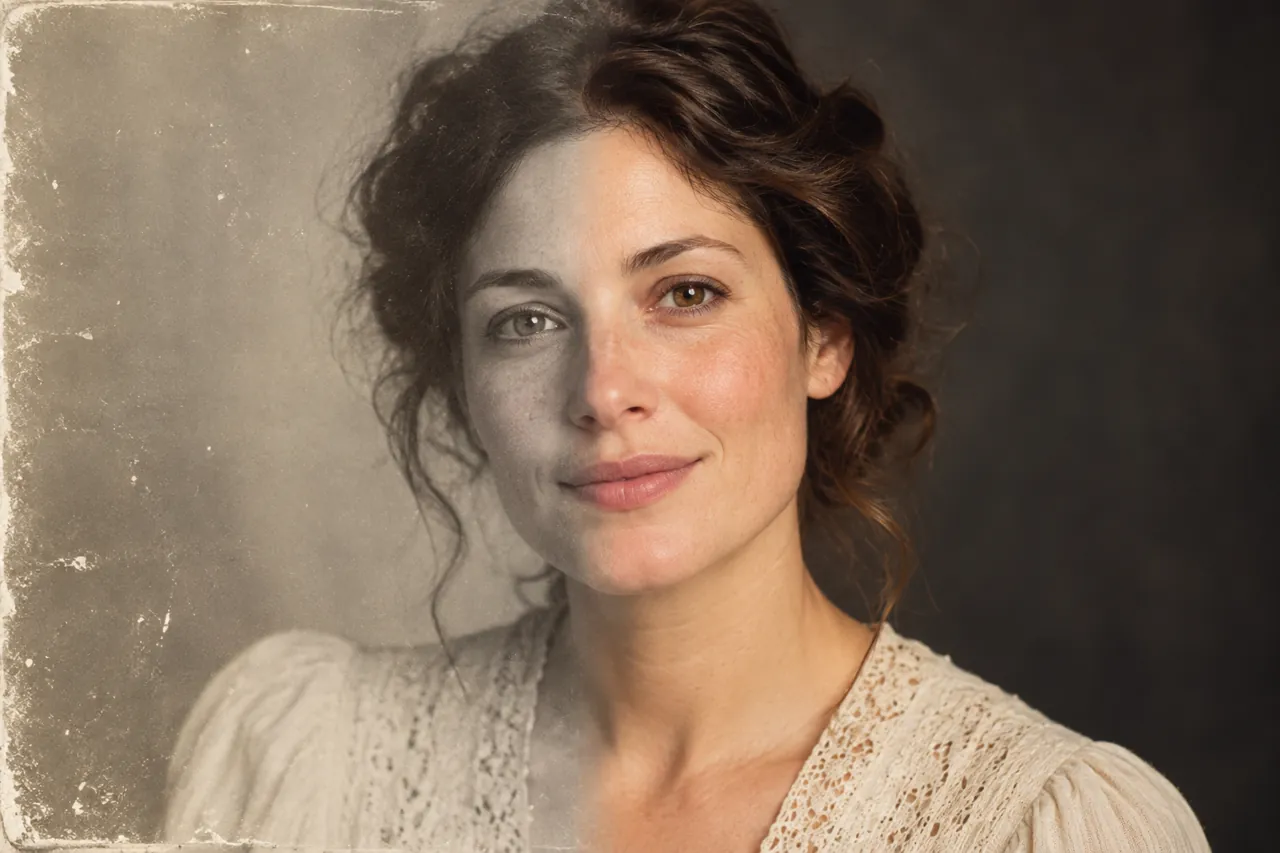
Portrait retouching software for Windows
Retouch skin, adjust facial details and shape the light without losing the character of the person. Work through the portrait panel at your own pace.
Explore workflows ↗Fix a dark face with portrait relighting
A good portrait can still leave the face in shadow. Add light in a chosen direction, adjust its strength and color, and keep the result natural.
Explore workflows ↗Change a portrait or ID photo background
Need a clean portrait background for an ID photo or profile image? Separate the person, inspect the edges and choose a suitable solid color.
Explore workflows ↗Restore scratched and damaged old photos
Old prints collect dust, scratches, tears and stains. Work through them in a fixed order — dust detection first, AI repair for large damage, AB brushes for the fine spots — and keep the character of the original.
Explore workflows ↗Colorize black and white old photos
Automatic colourisation with manual control: adjust colour strength, remove the yellow cast of old prints, and pin known colours — a green uniform, a red scarf — with a main colour.
BATCH
Batch image processing
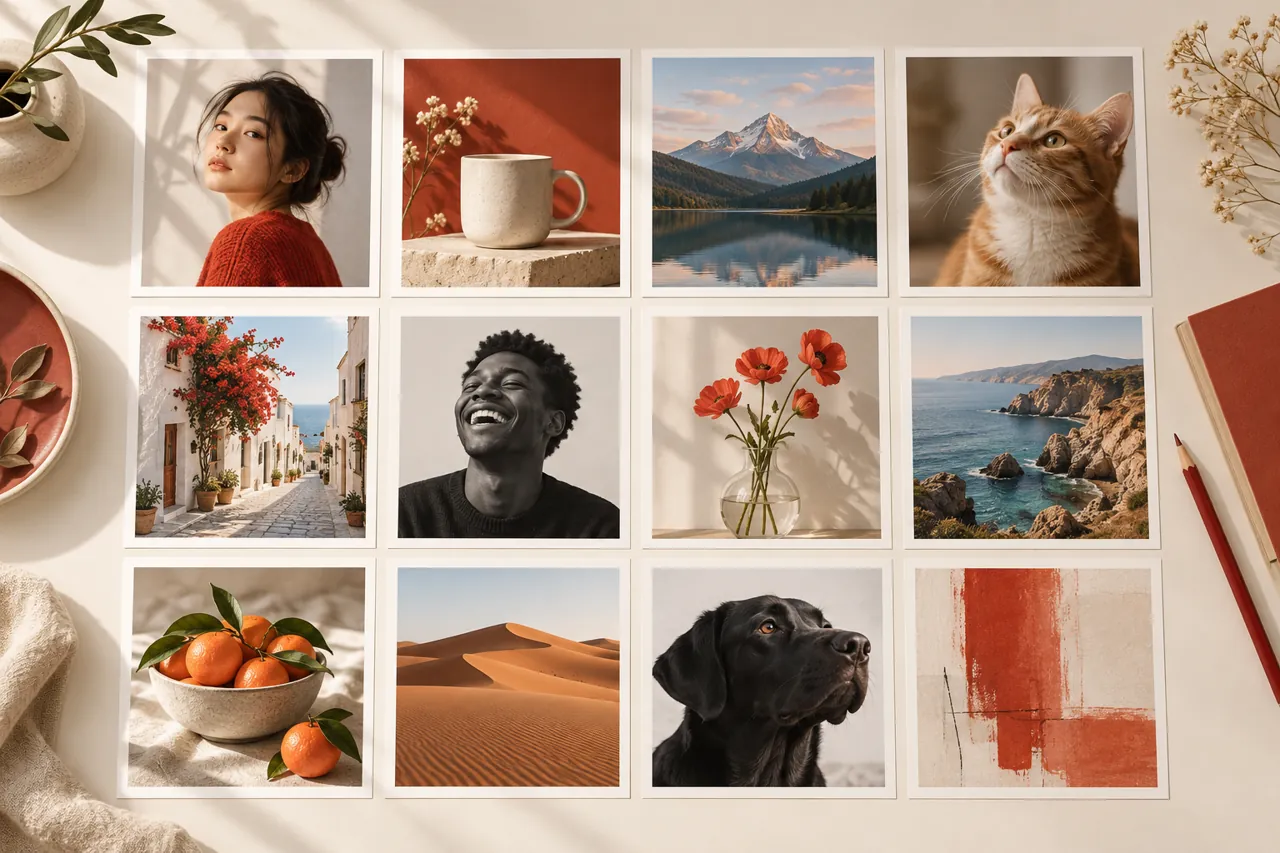
Batch image processing for Windows
Resize, compress, convert and watermark groups of images without repeating the same steps for every file. Review input and output settings before running a job.
Explore workflows ↗Batch resize photos for web and stores
Make many photos fit a consistent size for product listings, articles or a portfolio. Choose how images fit the target canvas before exporting.
Explore workflows ↗Batch compress images to a target file size
Preparing uploads with a size limit? Compress a group of images and review the result when a target cannot be reached without excessive quality loss.
Explore workflows ↗Add watermarks to images in bulk
Put the same mark on a collection of product or portfolio images. Set its position and opacity once, then apply it consistently to the batch.
Explore workflows ↗Batch prepare product images for online stores
Give mixed product photos one consistent canvas, centered padding, output format and file size. Prepare a folder for store listings without editing each image by hand.
Explore workflows ↗Batch convert image formats
Need the same images in another format for a website or client? Convert a folder while checking transparency and background behavior for the chosen output.